 DE
DE  EN
EN 







Before starting here some information how to transfer licenses between devices.
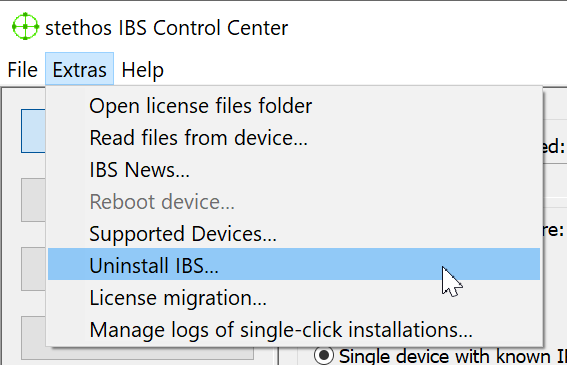
The Menu Extra -> Uninstall IBS will lead you to the uninstall process. Make sure that exactly the one device is selected where IBS should be uninstalled before you launch that menu:
The upcoming dialogue box allows to initiate the removal of IBS from the device. The device IP address is prefilled with the device which was selected before.
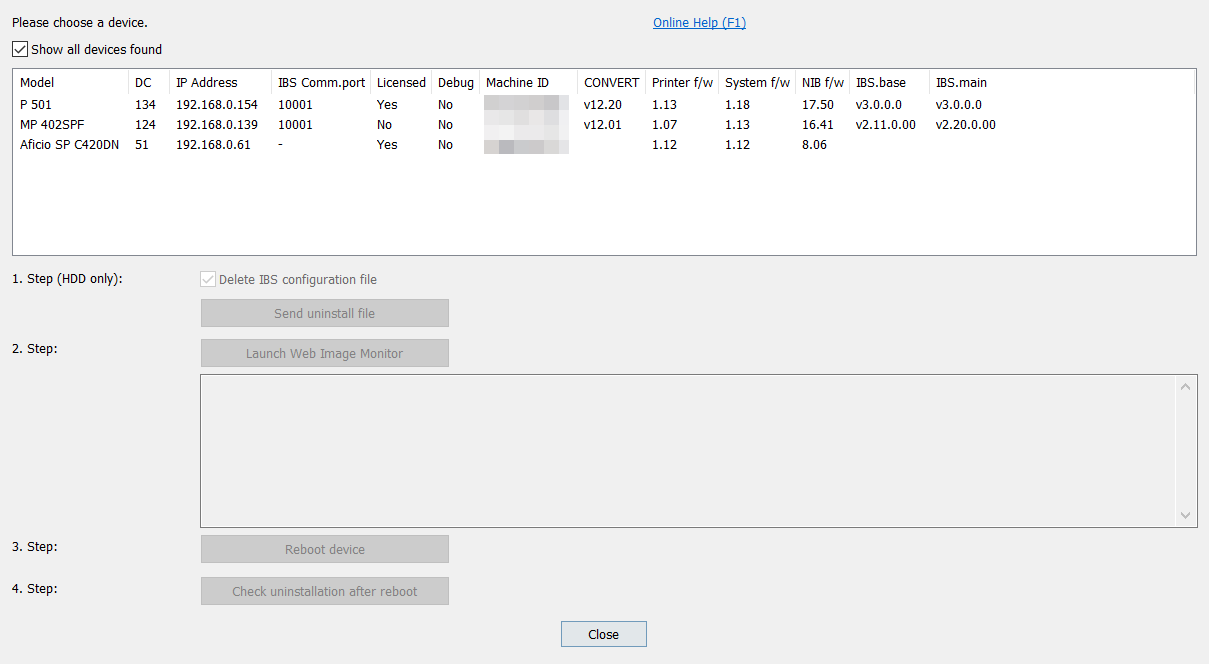
After clicking OK the uninstall starts which will be finished after an automated reboot of the device.
Note: Any Quickset or electronic Forms which might have been deployed will not be removed by this process.
